Weekly To-Do List Template: How to Use It
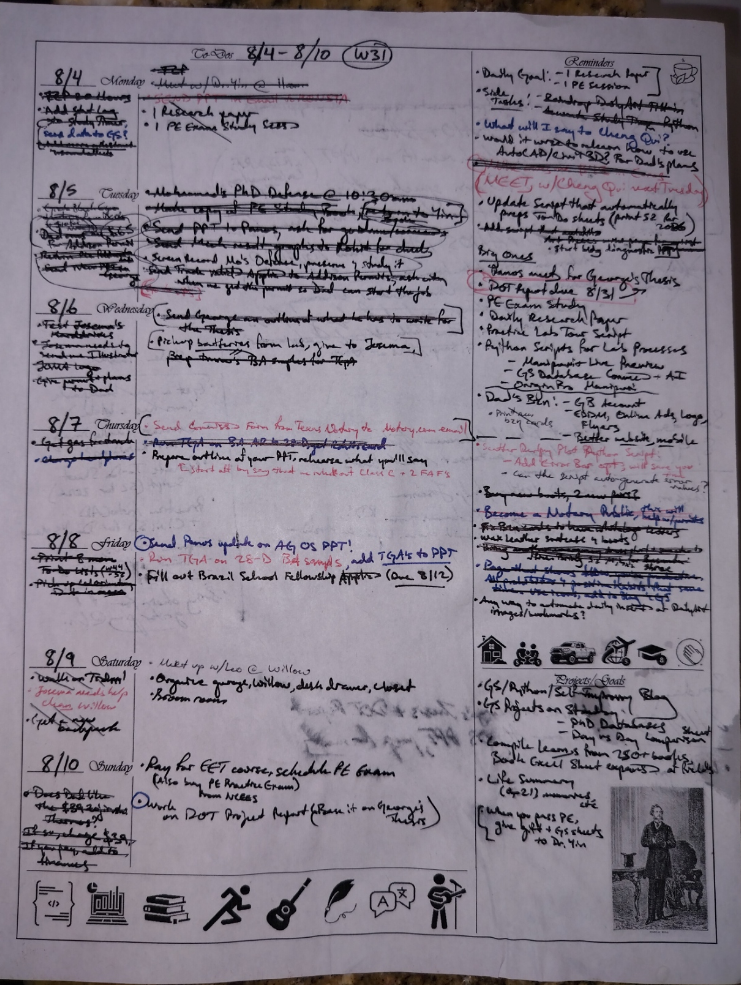
🖋 Example Page
🗓️ What It Is
The Weekly To-Do List Template is a simple yet powerful layout designed for tracking tasks across the week while keeping long-term projects and personal goals in sight.
Each section gives you just enough space to stay intentional without feeling cluttered. The tactile sensation of writing down your tasks and crossing them off is irreplacable.
This blog shows a lot of tracking with modern tools, but there’s no forgetting pen and paper. Complement your Google Sheets data tracking with this!
🧭 Template Overview
Now before we get into the specifics, know that the template is a customizable .docx file.
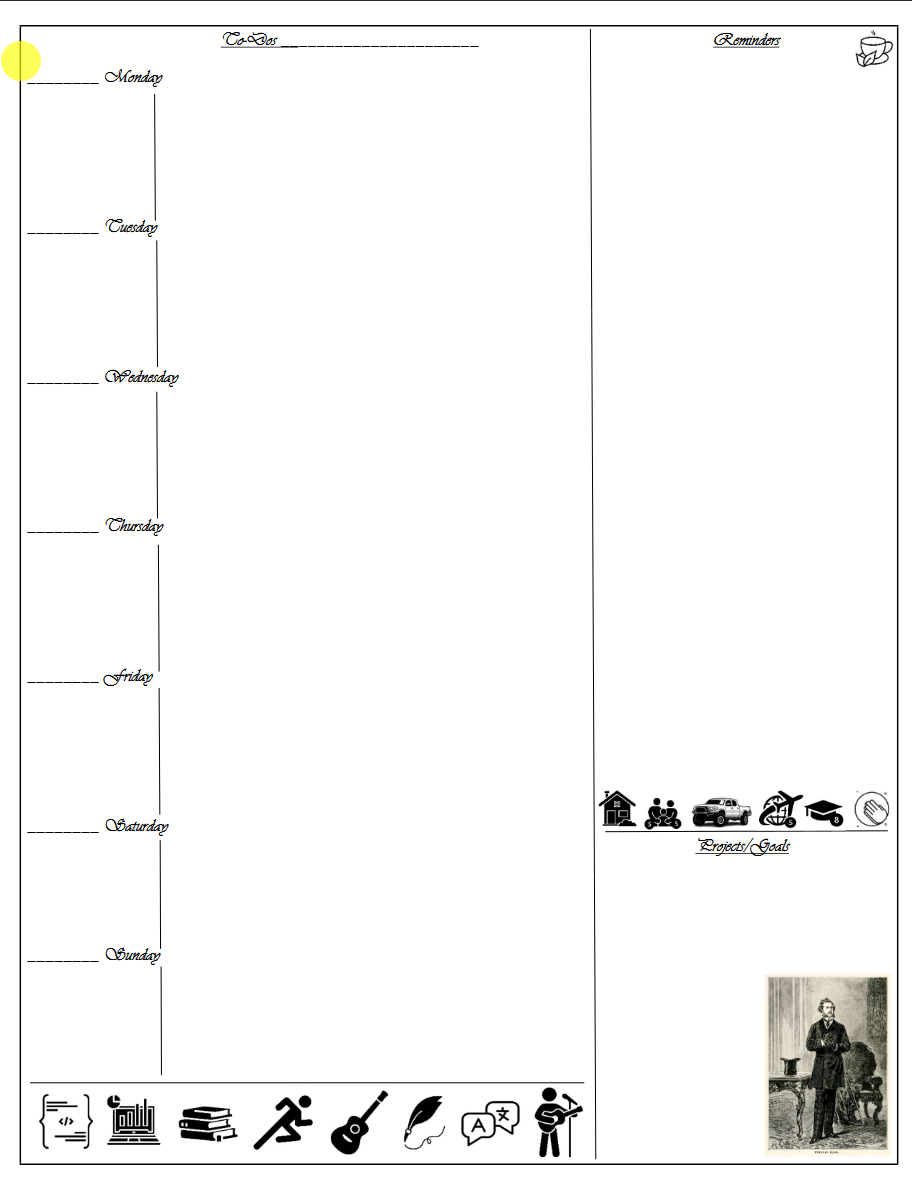
You see those little icons at the bottom left/center? You can change those out for other things. Those are for your Hobbies. Ever find yourself wondering what to do next? Look here.
Also, the images above the ‘Projects/Goals’? Those are the things you’re grateful for.
And then there’s the image of Phileas Fogg at the bottom right corner. Change this to whoever inspires you most.
Plenty of room for making the template your own.
Now, onto functionality:
📅 Days of the Week
Seven daily panels — Monday through Sunday — each with lines to record:
- Top priorities or to-dos (central space)
- Short notes or reminders (under each date entry)
This format helps visualize the flow of your week and spot overloaded days early.
📅 Reminders
Got something goin’ on in a few weeks? A big trip 3 months from now? Tasks that you haven’t decided an exact time for? Keep these reminders to the right of the page.
🎯 Projects & Goals
A dedicated box at the bottom right corner of the page:
- Projects: Ongoing work, study, or creative tasks that won’t be done any time soon.
- Goals: Personal or professional objectives you want to keep in mind.
Use this space for higher-level direction, not day-to-day errands.
🧠 How to Use It
- Print a fresh sheet each week — or duplicate digitally in OneNote, Notability, or Google Docs.
- Start your week by filling in the Projects/Goals first.
- Add key tasks and reminders to each day — aim for no more than 3–5 high-impact items.
- At week’s end, review what got done, what slipped, and carry over remaining items.
💾 Download the Template
👉 Download Word Template
✍️ Why It Works
- Keeps your focus at the weekly level instead of overwhelming daily lists.
- Encourages reflection through the Projects/Goals section and the little images.
- Lightweight and adaptable — can fit academic, work, or personal planning.
- Complements the LifeLoggerz system when paired with Google Sheets or your Raw Data log.